Tracking body composition changes reliably at home without repeated clinic visits creates frustration due to inconsistent workflows and equipment. Most at-home tools lack long-term trend tracking, clinic-level data precision, or require expensive hardware that hinders everyday use. This guide explains how leading alternatives differ on privacy, tracking depth, cost, and workflow so readers can choose the best fit before a paid commitment.
Table of Contents
dexa.report
At a Glance
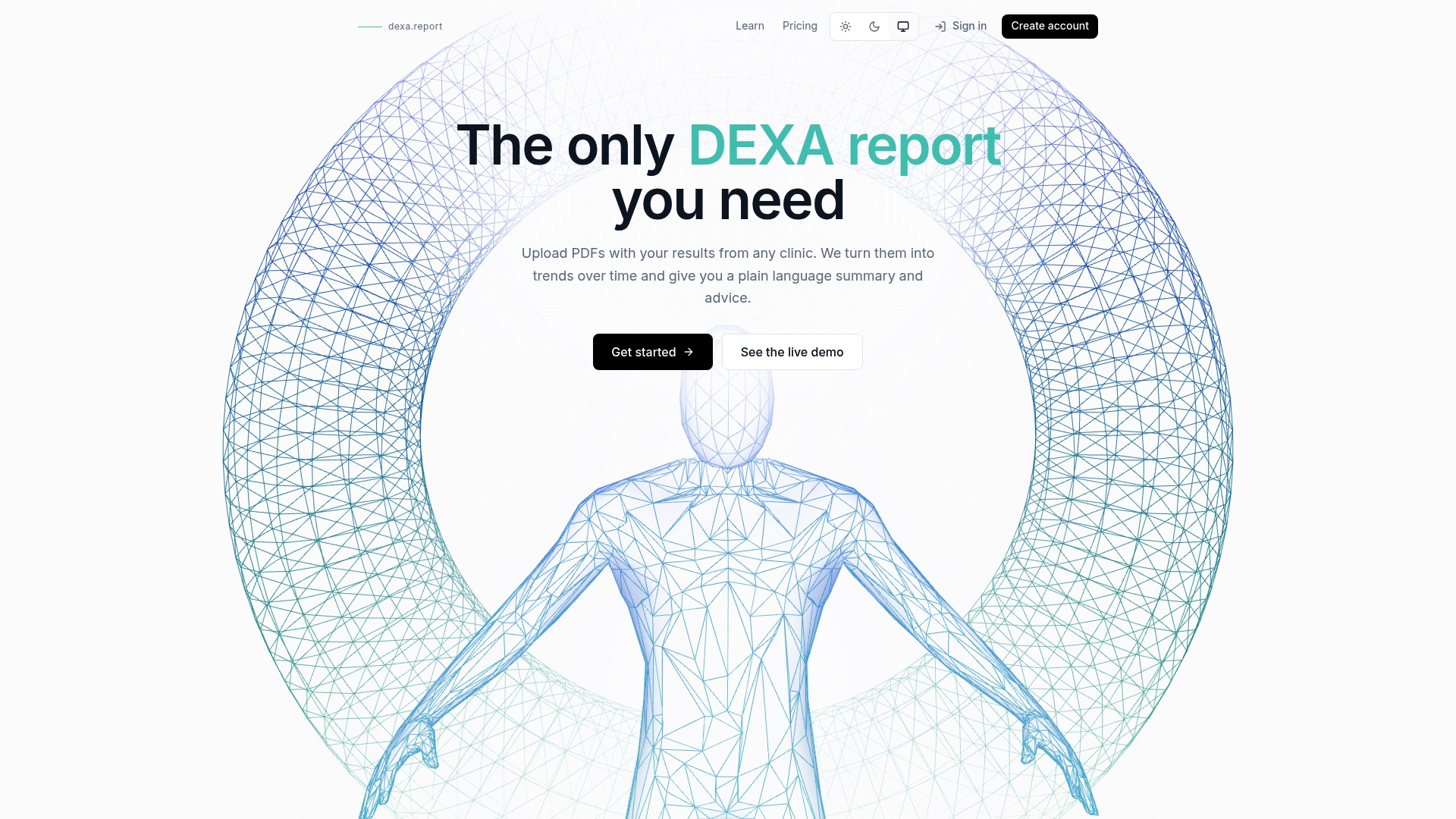
It converts DEXA scan PDFs from any clinic into structured, date stamped metrics you can chart over time. The system extracts fat, lean mass, visceral fat, and bone density so you stop transcribing numbers into spreadsheets. Data sits in private EU storage and you retain access and control.
Core Features
The platform uses automatic parsing to turn uploaded DEXA DXA PDFs into structured data and timelines. It supports long term tracking of fat, lean mass, visceral fat, and bone density and shows trends with regional body heat maps. The dashboard also creates plain language AI generated summaries that explain shifts in results.
Key Differentiator
The standout capability is the ability to ingest reports from any clinic and convert those pages into a dynamic, trend ready dashboard with human readable AI summaries. That workflow removes the need to revisit a single clinic to compare past scans or to maintain manual logs.
Pros
The dashboard makes dense DEXA output readable and actionable by pairing visual trendlines with short plain language summaries. You can upload scans from multiple providers and see progress across years, which matters when clinics change equipment or formats. Data privacy is a concrete strength because all files are stored in private EU based storage and users keep access control. The core dashboard is free, so you can try parsing and trend tracking without a paid commitment.
Cons
- Parsing accuracy depends on uploaded PDF formatting, so reports with unusual layouts may require manual review.
Who It’s For
This product fits people who already collect DEXA scans and want a single place to compare them over time. Fitness minded users tracking muscle gain and fat loss will get value. People with bone density concerns who want visual trends will also benefit, as will clinicians reviewing longitudinal progress.
Unique Value Proposition
Private EU based storage combined with automated PDF parsing keeps your scan history portable and private. That setup eliminates vendor lock in to a single clinic while preserving control over who can see your results. The result is a workflow that turns scattered PDFs into a continuous personal record.
Real World Use Case
You upload three clinic reports spanning several years. The dashboard aligns the scans, shows where visceral fat rose, and highlights a small decline in femoral bone density. The plain language summary explains the trend and the heat maps show regional changes, helping you and your clinician form a plan.
Website: https://dexa.report
FitTrace
At a Glance
FitTrace synchronizes DEXA scan results with nutrition, activity, and device health records. That integration lets you view body fat, muscle mass, and visceral fat alongside sleep and workout data. The app runs on Android and iPhone and offers AI guidance plus human coach support.
Core Features
FitTrace links DEXA measurements to nutrition and activity logs and displays clear trend charts over time. It captures regional changes in fat and muscle, stores scan history, and enables secure sharing with clinicians and peers. The platform includes an AI Assistant for personalized recommendations and tools for professionals to manage and annotate client scans.
Key Differentiator
The standout feature is tight integration of DEXA scans with other health and activity data rather than isolated scan viewing. That combined view helps you connect composition shifts to training, diet, or illness for clearer interpretation. For coaches, the athlete comparison tools and note annotations make client education more direct and traceable.
Pros
FitTrace produces readable reports and trend visualizations that make complex DEXA metrics actionable. It connects with Apple Health and Google Health Connect, which reduces manual entry and keeps contextual data aligned with scan dates. The mix of automated guidance and human professional support suits users who want interpretation plus coaching.
Cons
- Premium features such as sharing, athlete comparison, and AI guided coaching require a subscription.
- Public information about pricing tiers and exact costs is limited, which makes budget planning harder.
- Electronic transfer depends on participating DEXA facilities, which may limit direct access in some regions.
When It May Not Fit
If you only get occasional single scans and do not want a subscription, FitTrace may offer more than you need. Users in areas without participating imaging centers will face manual upload steps or no direct transfer. Casual trackers who only monitor weight and basic body fat from a scale will find the feature set complex.
Notable Integrations
FitTrace syncs directly with Apple Health and Google Health Connect to pull activity, sleep, and nutrition summaries. Those connections reduce duplicate entry and let you compare scan dates with workouts and meals for clearer context.
Who It’s For
Athletes, coaches, and fitness professionals who rely on objective composition metrics get the most value from FitTrace. Health conscious people who want deep analysis and clear trend reports will also benefit. Casual users who only track weight may find the app more complex than necessary.
Real World Use Case
A personal trainer uploads client scans then monitors lean mass changes across a multiweek training program. The trainer shares annotated reports with clients and adjusts nutrition and workouts based on matched activity data. Benchmark comparisons help set realistic targets for strength and conditioning plans.
Pricing
FitTrace is informational in its public listing, and key features such as sharing and athlete comparisons sit behind a subscription. Exact tier names and prices are not widely listed, so check the vendor site or app store listing for current pricing details.
Website: https://fittrace.com
PHYT body composition app
At a Glance
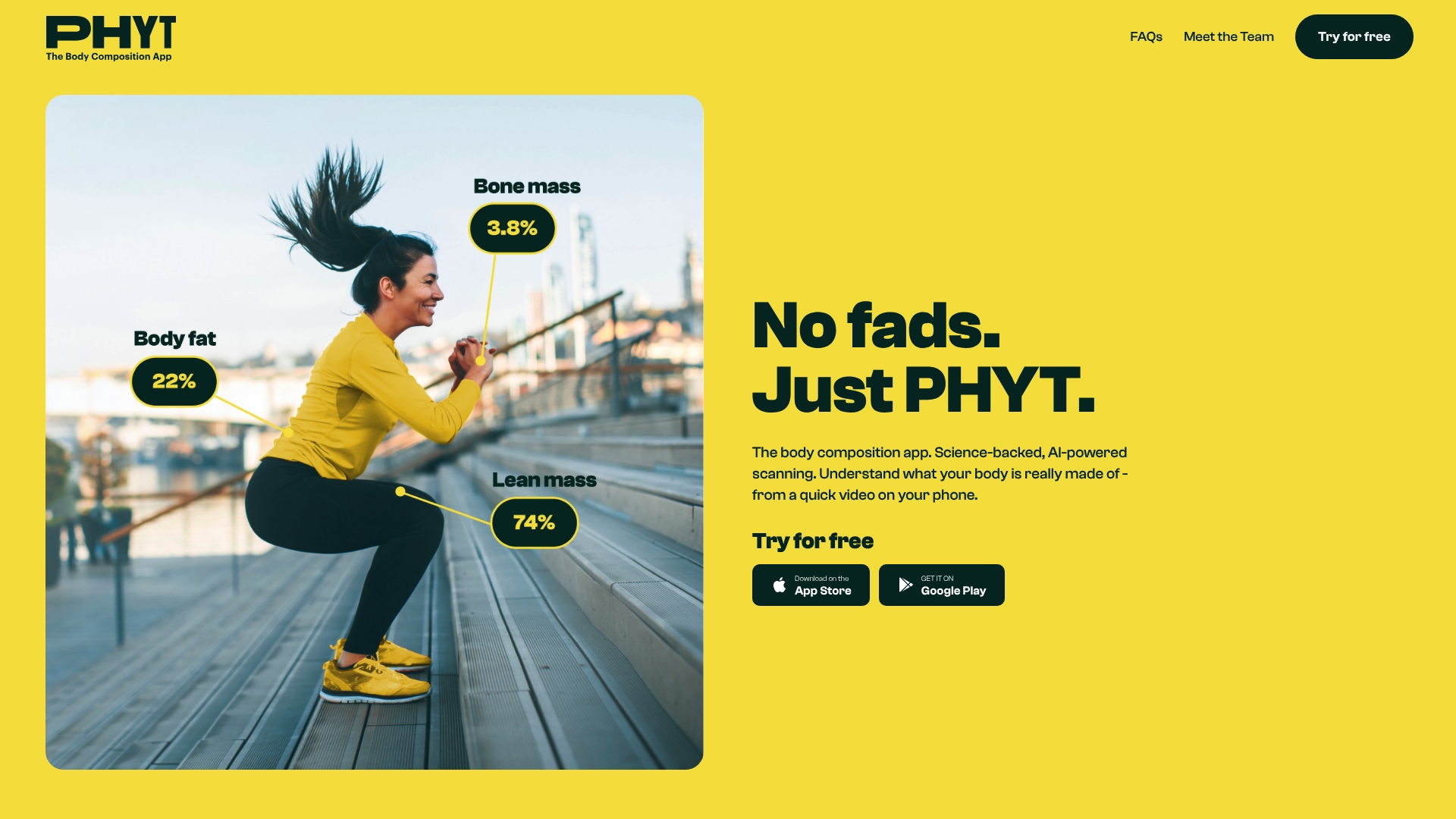
PHYT’s marketing materials describe measuring body fat, lean mass, and visceral fat from a short smartphone video. The app pairs those scans with AI and academic input to translate raw measurements into readable trends. That approach removes the need for clinic visits for routine composition checks.
Core Features
PHYT combines video capture with an algorithm that returns body fat, lean mass, and visceral fat estimates along with clear visual trend tracking. The app shows weekly habits and reminders designed to keep you consistent while highlighting percentile change over time. Metrics present as plain language summaries so you can spot progress without decoding raw numbers.
Key Differentiator
PHYT focuses on AI-powered body scanning from a simple smartphone video developed with academic expertise. That narrower angle aims to deliver expert-style composition metrics on a device you already own. The mobile-first workflow targets regular at-home tracking rather than single clinical snapshots.
Pros
PHYT makes accessible body composition analysis possible from a phone, removing the barrier of specialized equipment or clinic appointments. The app emphasizes clear, actionable summaries and percentile-based trend tracking that help you see whether changes are meaningful. Motivational features such as habit reminders and weekly check ins encourage consistent scanning and long term progress monitoring.
Cons
- Measurements may not match professional equipment. Accuracy compared to clinical DEXA or medical devices can vary for some users.
- The value depends on routine scans. Missed or inconsistent uploads reduce longitudinal usefulness.
- If you only need a single basic metric, the app’s full workflow may feel like more than necessary.
When It May Not Fit
If you require clinical grade data for medical decisions, PHYT’s mobile scan approach may not meet that need. The app depends on user discipline and consistent camera setup to generate reliable longitudinal trends. Teams or clinicians who need integrations with electronic medical records will find no built in connector.
Who It’s For
People who want deeper composition detail than a weight number and prefer a phone based solution will find PHYT useful. Fitness minded individuals who track weekly changes and adjust diet or training based on trends will get the most from it. It fits anyone who values convenience over clinic level certainty.
Real World Use Case
A gym client records a quick video each Sunday and watches weekly percentile changes for body fat and lean mass. The app highlights a steady drop in fat while lean mass holds steady, prompting a small protein increase and targeted strength sessions. Over several months the trend chart confirms the adjustment worked and keeps the client motivated.
Website: https://phytapp.com
ZOZOFIT
At a Glance
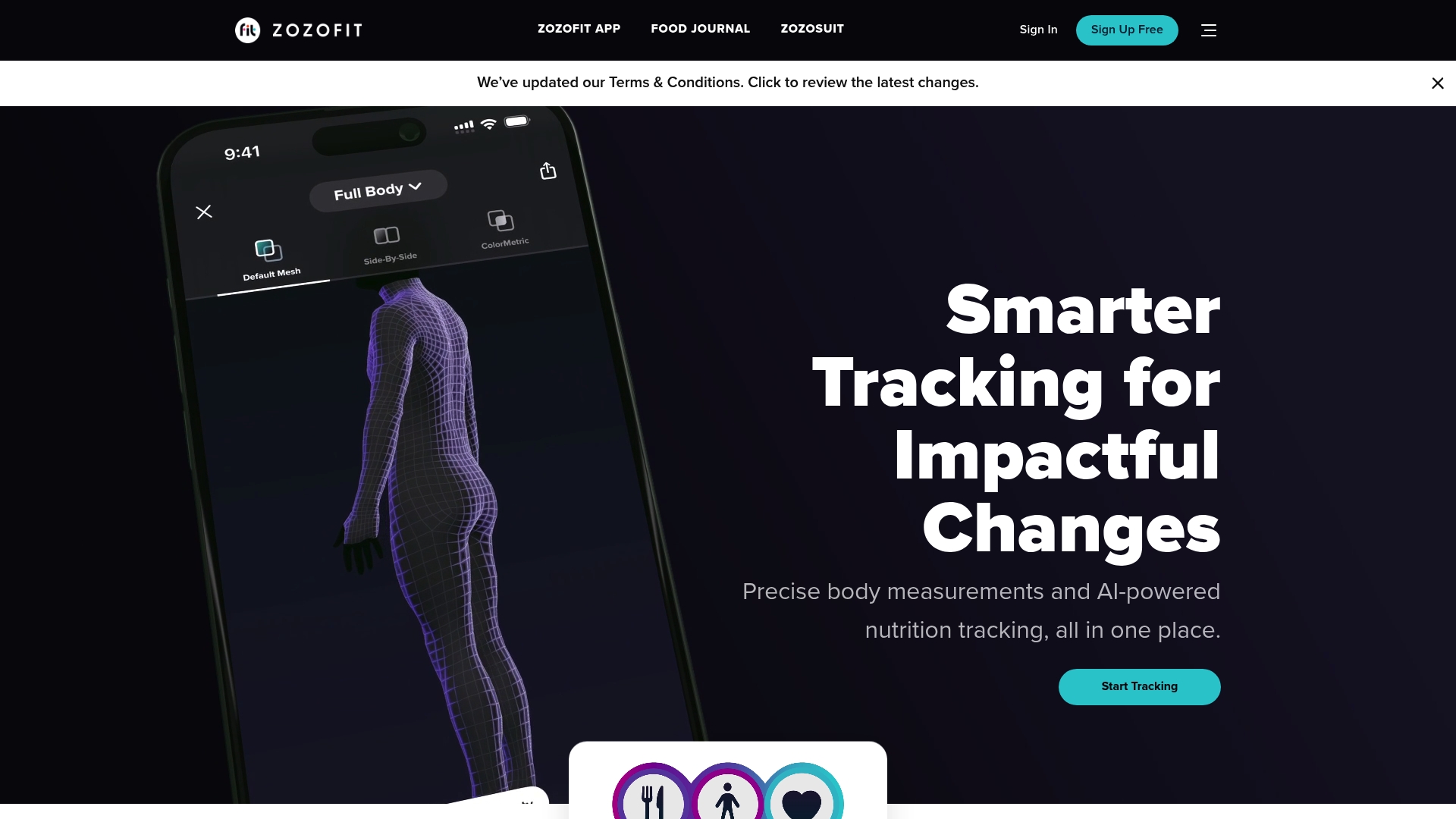
The ZOZOSUIT is sold as a one-time purchase for $99.99 to enable the platform’s advanced 3D scans. The app pairs wearable scanning with photo-based nutrition logging and community features. Users see visual progress comparisons and standard body composition metrics in the mobile interface.
Core Features
ZOZOFIT combines 3D body scanning via the ZOZOSUIT with body composition outputs such as body fat percentage and BMI. The app offers AI-powered nutrition tracking that uses food photos to simplify macro logging and daily intake tracking. Progress visualization tools let you compare monthly scans and focus goal tracking on areas like waist and hips.
Key Differentiator
The vendor advertises that ZOZOFIT blends a wearable 3D scanner with AI analysis and a social community to create a single feedback loop. That accuracy claim links the wearable scans to measurement detail and to progress visualization within the app. The community layer supports sharing and motivation alongside measurement feedback.
Pros
The platform centers on the ZOZOSUIT wearable, so scanning captures full body geometry rather than relying only on scale estimates. The app reduces manual food logging by letting you snap meal photos for automated tracking. Progress visualization and trend charts make monthly changes easier to interpret than raw numbers alone. Community features add motivation and real-user examples for people focused on transformation.
Cons
- Requires buying the ZOZOSUIT as a separate one-time purchase for $99.99, which raises the upfront cost for accurate scanning.
- Availability appears limited to the U.S., so international buyers may not be able to order or receive full service.
- Android support depends on device compatibility, and not all Android devices support the 3D scanning feature.
- Scan accuracy depends on proper technique, so novice users may need guidance to get repeatable measurements.
When It May Not Fit
If you prefer purely app-based tracking without an extra wearable, this adds hardware complexity and cost. People outside the U.S. will likely find regional restrictions a hard blocker. If your Android phone does not meet the scanning requirements, the core 3D features will not work for you.
Who It’s For
People who want precise visual feedback on body shape and composition and who do not mind buying a wearable. Fitness enthusiasts who value monthly 3D progress photos and photo-based nutrition logging will get the most from this setup. Trainers and small studios that run remote body assessments may also find the scanning workflow useful.
Real World Use Case
A user orders the ZOZOSUIT, completes an initial full-body scan, and sets baseline goals in the app. The user scans monthly and reviews side-by-side 3D comparisons to judge where workouts are changing shape. Meal photos feed into AI-driven nutrition logs that the user adjusts to meet target macros.
Pricing
ZOZOFIT offers a free basic plan for core tracking. Premium plans start at $2.50/month for advanced features and trend exports. The ZOZOSUIT is a one-time purchase priced at $99.99 for 3D scanning capability.
Website: https://zozofit.com
Comparison of alternatives
When selecting a body composition tracking solution, each platform has unique advantages and trade-offs, making the decision dependent on user priorities. In this comparison, we examine how four options—dexa.report, FitTrace, PHYT, and ZOZOFIT—may cater to various needs.
Data aggregation and compatibility
Dexa.report shines in its ability to standardize and aggregate DEXA scan data obtained from different clinics, presenting it as structured and trend-ready metrics. In contrast, FitTrace provides integrations with fitness and health tracking ecosystems like Apple and Google Health but requires compatible scanning facilities for direct data transfer. ZOZOFIT employs a hardware scanning system for three-dimensional body visualization, which distinctively supports measurements within its isolated ecosystem. Meanwhile, PHYT’s app-only approach contrasts as the most accessible choice for users without specialized scanning equipment, though the results might lack the precision of clinical tools.
integrations and coaching
FitTrace excels in encompassing nutritional, activity, and health data to correlate changes in body composition with daily habits and lifestyle factors. This integration potentially enhances user understanding of the relationship between behavior and metrics. In contrast, dexa.report, PHYT, and ZOZOFIT focus on delivering and interpreting body composition metrics in isolation or with minimal external integrations.
Best fit
- If you regularly undergo DEXA scans at multiple clinics and seek unified, secure, and accessible record tracking, dexa.report delivers compatibility and insightful summaries.
- For athletes and fitness professionals aiming to interlink body composition changes with detailed workout and nutrition data, FitTrace offers advanced tools and integrations.
- If you favor the ease and affordability of at-home body composition tracking, PHYT’s video-based app is a noteworthy option that circumvents the need for external equipment.
- For precision-focused individuals valuing 3D body mapping and community engagement, ZOZOFIT offers a solution involving the ZOZOSUIT.
Our pick
For users requiring reliable and secure tracking of DEXA data from multiple clinics, dexa.report stands out due to its capability to ingest various report formats and consolidate them effectively. While other platforms cater to specific scenarios, dexa.report offers unique value in aggregating longitudinal data, making it the preferred choice for users prioritizing this capability.
For comparing body composition analysis platforms, the following table highlights their unique features and considerations.
| Product | Core Capability | Key Differentiator | Best For | Pricing | Notable Limitation |
|---|---|---|---|---|---|
| Dexa | Converts DEXA scan PDFs into structured metrics | Dashboard showing trends with AI summaries | Fitness and health monitoring | Free core functionalities | Parsing depends on PDF format |
| FitTrace | Links DEXA scans to health records | Integration with Apple/Google Health and coaches | Athletes and professionals | Subscription, prices not published | Limited participating DEXA facilities |
| PHYT | AI body scanning via smartphone video | Mobile-based, academic-driven composition metrics | Regular at-home body composition tracking | Price not published | Lower accuracy compared to DEXA machines |
| ZOZOFIT | 3D scanning with wearable suit | Combines scanner with food logging and visuals | Fitness users valuing detailed 3D scans | ZOZOSUIT: $99.99, plans from $2.50/month | Accuracy depends on scanning technique |
How to Track DEXA Scan Results Without Clinic Dependency
If you are comparing DEXA scan vs smart scale options to monitor body composition over time, you likely face challenges with managing and understanding complex scan data. Dexa tackles this by converting your DEXA scan PDFs into an easy-to-read, date-stamped dashboard. It frees you from manual data entry and the need to revisit the same clinic repeatedly.
Dexa provides:
- Clear trend charts for fat, lean mass, visceral fat, and bone density
- Plain language summaries explaining changes in your measurements
- Secure, private EU-based storage with full control over your data
Learn more about Dexa and start tracking your health data confidently today. Upload your scans and view your full history on your own terms with no vendor lock-in.
FAQ
What features does Dexa provide for tracking changes in body composition?
Dexa generates structured metrics from uploaded DEXA scans, including fat, lean mass, visceral fat, and bone density. The system uses automatic parsing to transform PDF data into readable trends, allowing users to monitor their progress over time. This capability supports long-term tracking, helping you visualize changes effectively.
How does FitTrace compare to Dexa in tracking body composition?
FitTrace synchronizes DEXA scan results with nutrition and activity logs, allowing users to view body fat, muscle mass, and visceral fat alongside workout data. While FitTrace excels in integrating various health records, Dexa specifically focuses on converting any clinic’s DEXA reports into a streamlined analysis platform. Dexa is the better choice for users looking for a dedicated body composition tracking tool without the additional complexity of multiple health integrations.
Can I access my data securely with Dexa?
Yes, Dexa stores all files in private EU-based storage to ensure data security. Users maintain access control over their personal data, which allows for a safe and private tracking experience. This feature makes Dexa a strong option if privacy is a priority for your health information.
Which app provides clearer trends in body composition metrics?
Dexa’s dashboard creates visual trendlines and AI-generated summaries that explain shifts in results in plain language. This helps users understand complex data in a simple format. If you’re looking for clear, actionable insights from your body composition metrics, Dexa offers this feature effectively.
What is the cost involved in using Dexa?
The core dashboard of Dexa is free, allowing users to try parsing and trend tracking without any upfront costs. This makes Dexa accessible for users who want to evaluate their body composition data without commitment. If you enjoy its features, you might consider later enhancements as needed.